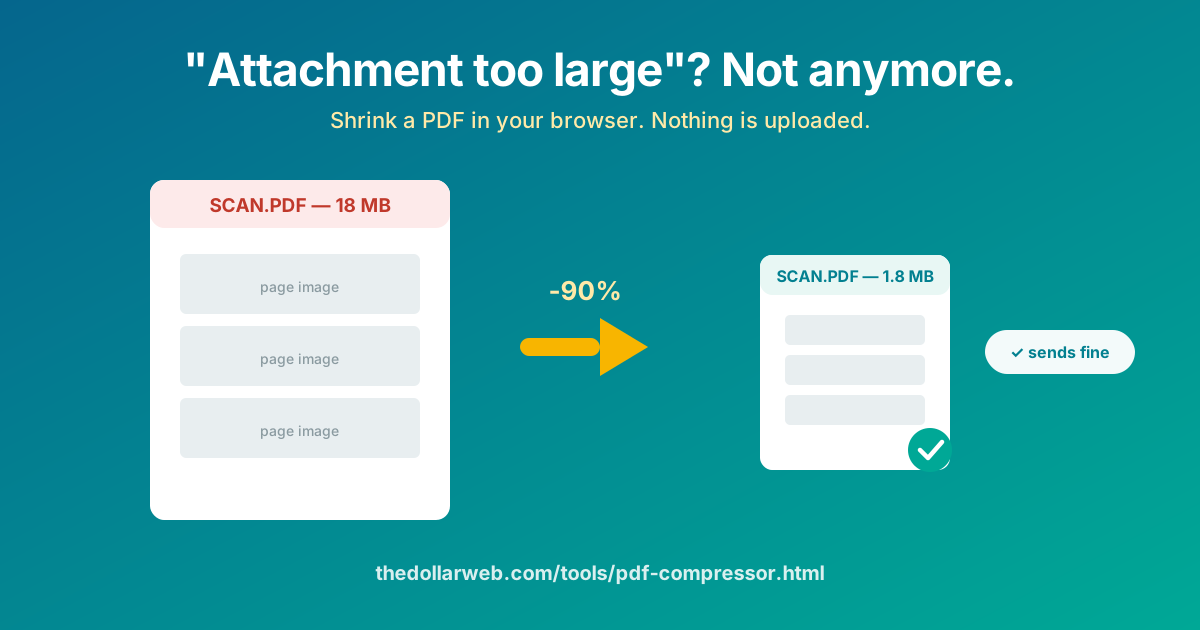
"Attachment too large." The portal wants 2 MB, the scan is 18. The lease is due back tonight and the email keeps bouncing. The PDF Compressor at The Dollar Web shrinks the file in seconds, in your browser, for free, and the document never leaves your device.
The five-second version
- Open the PDF Compressor in any modern browser.
- Add your PDF. Drag it in or pick it from your files; it is read locally, on your device.
- Compress. The engine re-encodes the heavy parts of the file, which is where nearly all the megabytes live.
- Check the result. Open the compressed file and glance at the densest page; confirm the text you care about is crisp.
- Download and send. Under the limit, no watermark, no account.
Where the megabytes actually come from
Understanding this makes every compression decision obvious. A PDF is a container, and two very different kinds of content ride in it:
- Text and layout (a report exported from Word, an invoice from accounting software): stored as fonts and drawing instructions, astonishingly compact. A 40-page text PDF can weigh 300 KB.
- Images (anything scanned, any photo placed in a document): stored pixel by pixel. One phone-scanned page at full resolution is a multi-megabyte photograph, and a ten-page scan is ten of them stapled together.
That is why your lease scan is 18 MB while the 60-page manual next to it is 1 MB, and it is why compression works: re-encoding those page images more efficiently collapses the file, usually by 60 to 90 percent for scans, while the text baked into the images stays perfectly readable.
Why not just use the first compressor Google offers?
The top results for "compress PDF" all work the same way: your document goes up to their server, gets processed, and comes back down. For the file most people compress in a panic at 11 pm, a lease, a signed offer, a medical claim, a passport scan, that round trip deserves more thought than it gets.
Typical compress-PDF website
- Uploads your document to their server
- Free tier metered by tasks per day or file size
- File sits in their storage until cleanup runs
- Compression level picked for them, not for you
- Dead without a connection
The Dollar Web's PDF Compressor
- Runs entirely in your browser
- Free, no meter, no watermark, no account
- Nothing to store, because nothing is sent
- You inspect the result before it goes anywhere
- Works offline once the page has loaded
The privacy point is not theoretical. Upload-based document services have had breaches and quietly broad retention policies, and "we delete files after one hour" still means your signed lease spent an hour on infrastructure you cannot audit. The browser-only version has nothing to audit: the document never leaves your RAM. How that works is the subject of our client-side processing explainer.
Hitting a specific size target
- Email (20 to 25 MB): one pass at default settings handles almost any scan. If you are attaching several PDFs, compress each; the savings multiply.
- Application portals (2 to 10 MB): the tight targets. Compress, check the size, and if you are still over, the biggest remaining lever is page count: split out only the pages the portal actually asked for with the PDF Splitter, then compress that.
- "Under 1 MB" systems: old government and HR portals love this limit. Split to the required pages, compress hard, and check the fine print on every page before submitting.
When compression is the wrong tool
- The file is big because it is long. A 300-page PDF is legitimately large. Send the chapters they asked for, via the Splitter.
- You are sending it to be printed professionally. Print shops want the fat original; compression throws away exactly the resolution they use.
- The document must stay pixel-perfect for legal or archival reasons. Compress a copy for transmission if needed, but keep the original untouched.
- It is not really a size problem. If a 40 MB file must reach one person once, the Peer-to-Peer File Sharing tool moves it directly between your browsers, no compression and no upload, at any size. We wrote about it in this post.
A clean pipeline for the common case
The scan-and-submit workflow, kept private end to end: scan the pages on your phone, merge the per-page PDFs into one document with the PDF Combiner, compress the merged file here, and if it needs your signature, add it with the PDF Signature tool. Four steps, four browser tabs, zero uploads.
Shrink that PDF now
Under the limit in seconds. No upload, no watermark, no account.
Open the PDF Compressor Browse All PDF ToolsCommon questions
How do I make a PDF smaller without uploading it to a website?
Use a compressor that runs in your browser. The Dollar Web’s PDF Compressor loads a compression engine into the page itself, squeezes the file on your own device, and gives you the download. Your document never travels to a server, which also means no size caps and no watermark.
Why is my scanned PDF so huge in the first place?
Because a scan is a photograph of every page. A ten-page scan is really ten full-resolution images wrapped in a PDF, often 3 to 5 MB each. Text-based PDFs exported from Word stay small; scans balloon. That is also why scans compress so well: the images inside can be re-encoded much more efficiently.
Will compressing a PDF make it blurry?
Compression trades some image sharpness for size, and the art is taking that trade where nobody notices. Body text in a reasonable scan stays readable at strong compression. Fine print, faint stamps, and detailed diagrams are where you should double-check the result before sending.
What size does a PDF need to be for email?
Most mail systems reject attachments over about 20 to 25 MB, and many application portals cap uploads at 2 to 10 MB per file. If a portal says 2 MB and your scan is 18 MB, compression is exactly the fix, and doing it in the browser means the document stays private on the way.
Is it safe to compress confidential documents online?
The safe version is the one where the document never leaves your machine. Upload-based compressors process your file on their servers under their retention policies. A browser-only compressor has nothing to retain: you can load the page, go offline, and compress with no connection at all.